-40%
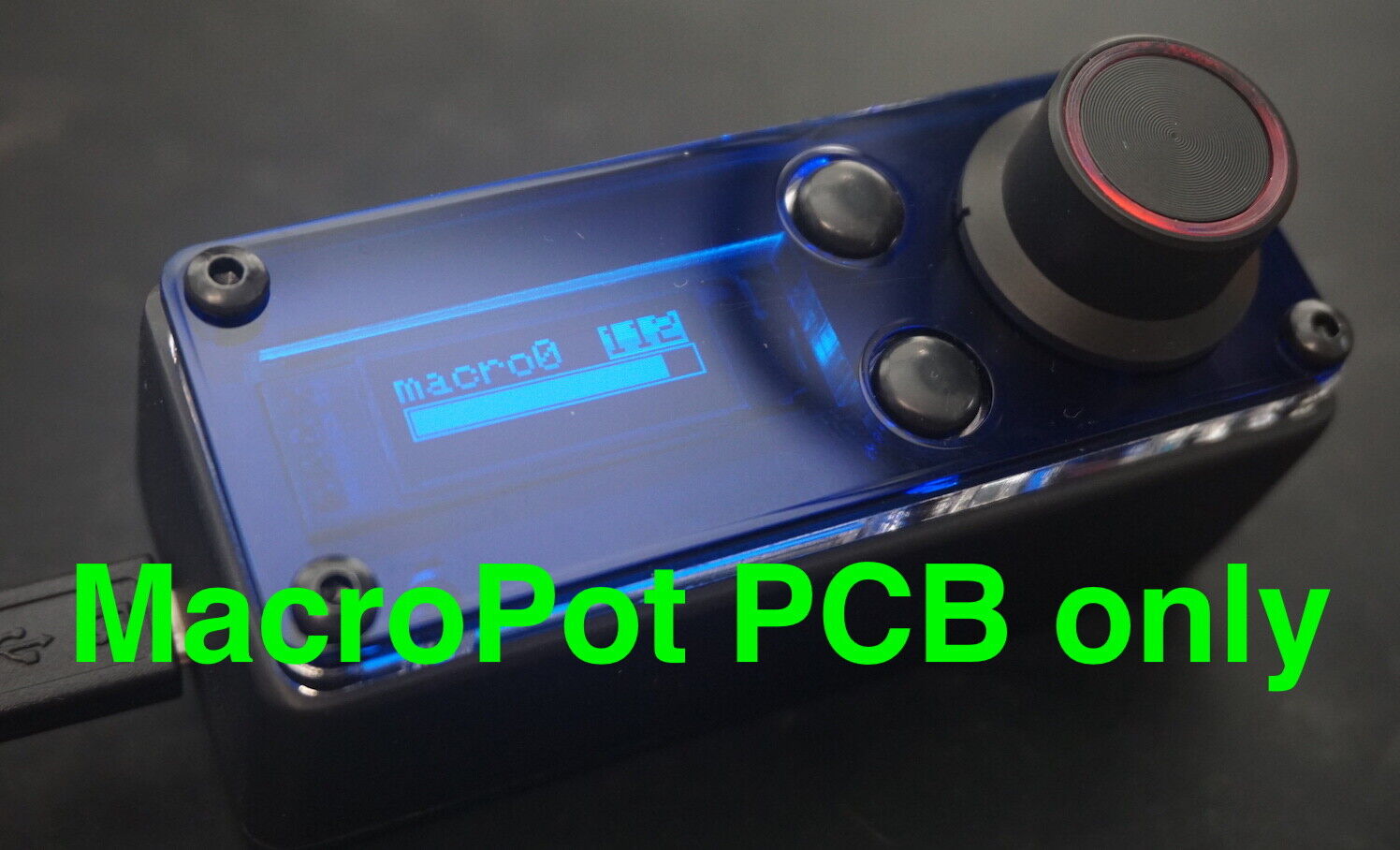
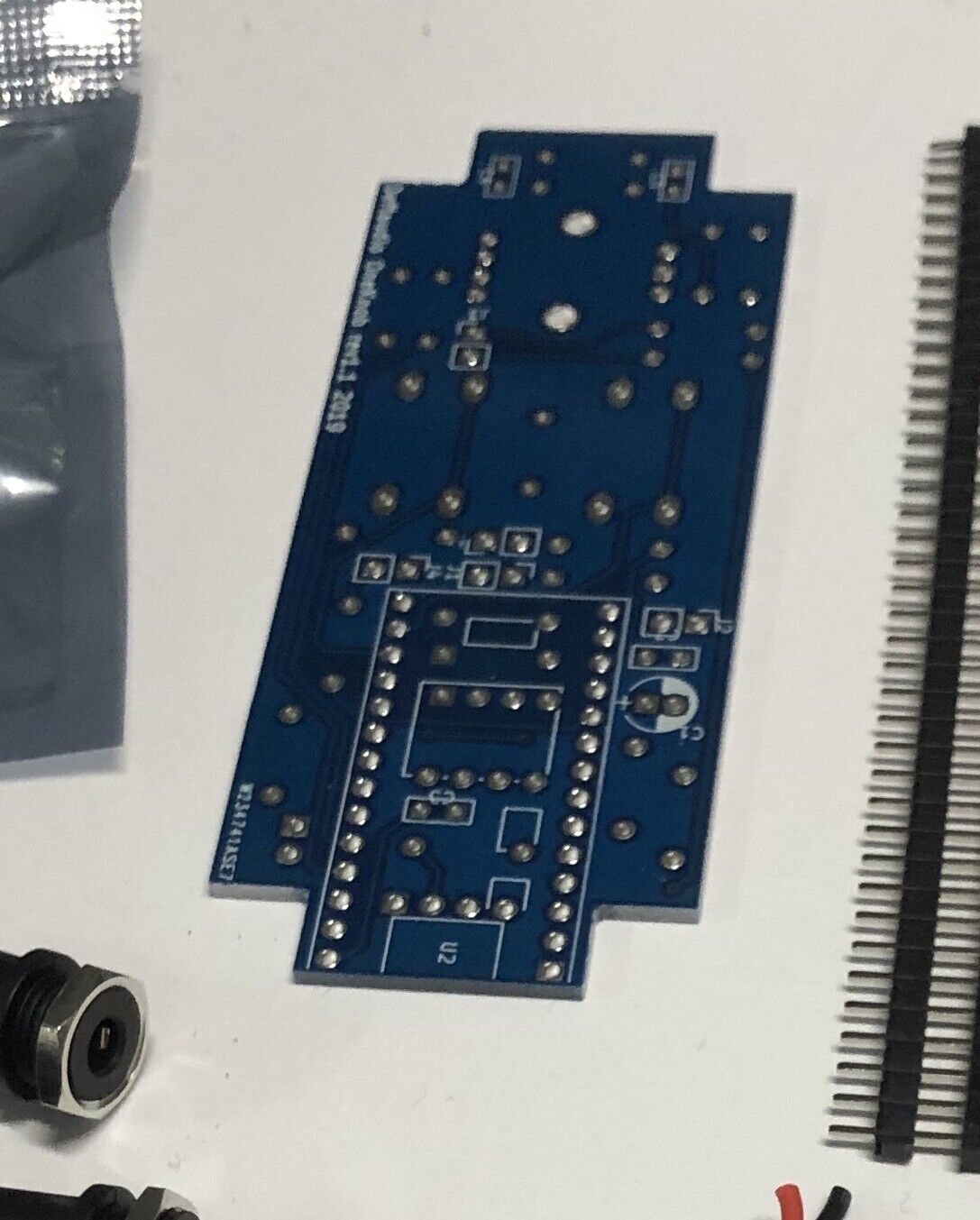
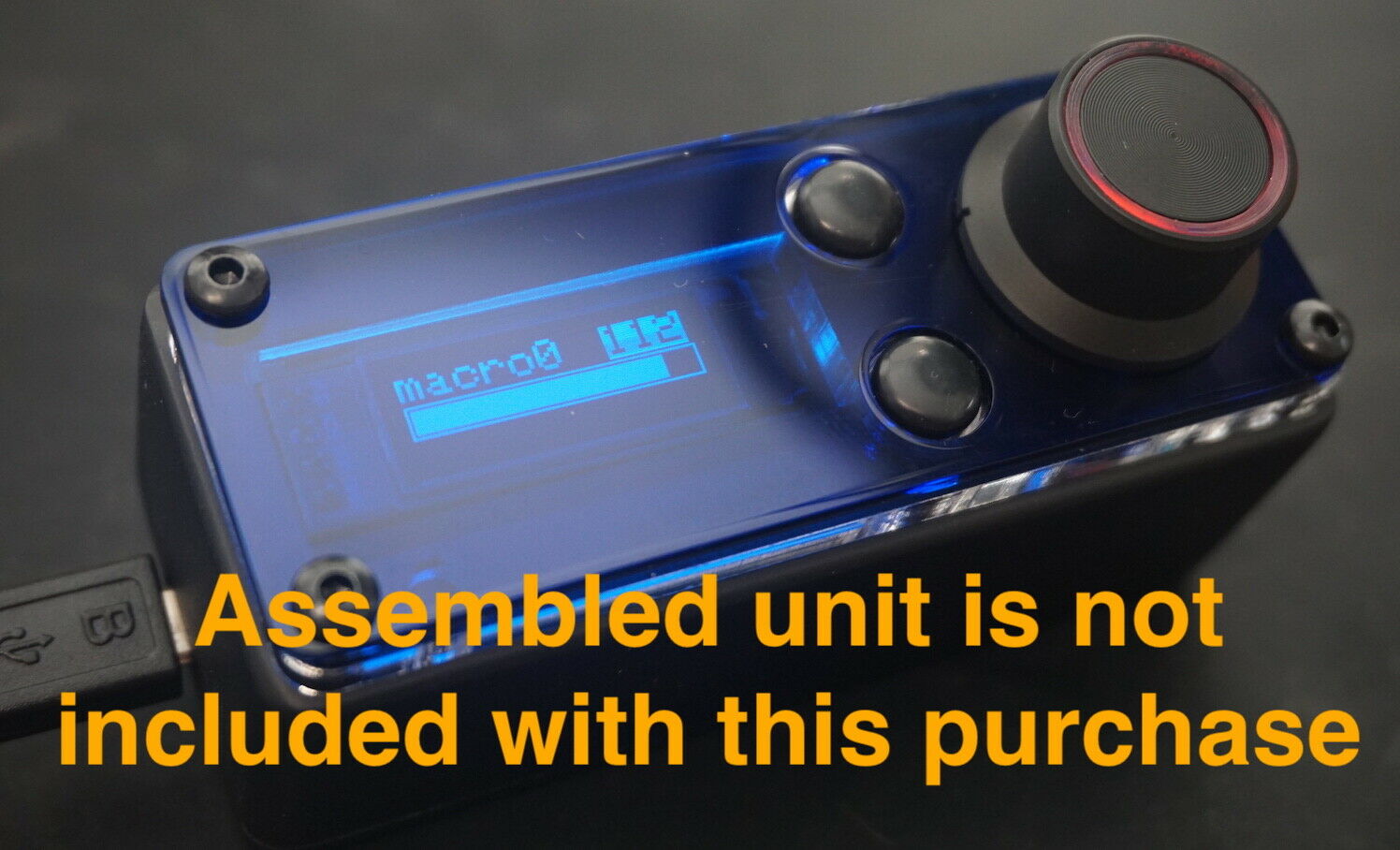
MacroPot deeply programmable MIDI controller - PCB ONLY - Fresh Stock Dated February 2026
$ 4.74
- Description
- Size Guide
Description
MacroPotPCB ONLY
,
see other listings for more options
Deftaudio MacroPot is a single knob deeply programable MIDI controller with extended interface capabilities based around Teensy HW and Arduino programming model. It's designed to be the most compact Teensy3.2 MIDI implementation in a very dense packaging inside a rugged enclosure. You don't need to be experienced in Arduino programming, it comes with full featured firmware. However for experienced users can leverage an Open Source firmware available for your own modifications.
Introduction Video
youtu.be/noCOXES7csQ
Main repository:
github.com/Deftaudio/MacroPot
Hardware features:
Rotary dual color (with brightness control) encoder with a push button
OLED display for a visual feedback and preset information
Up/Down buttons for a preset management
1 x MIDI Input (3.5mm TRS MIDI A or B)
3 x MIDI Output (3.5mm TRS MIDI A or B)
USB MIDI Class compliant with 4 x MIDI devices under OS (1 physical port)
1 x Audio/CV/trigger/sync output (via PWM or DAC)
Programmable activity LED
Standalone operation from a power bank or power supply.
Software features:
MacroPot is based around the idea of controlling multiple parameters at a time and quick switching between presets (macro). Within a current macro it’s possible to assign up to 5 simultaneous active controllers for transmit as well as a push button behavior. This allows to create layers or splits in values, assign controllers to different events, messages and MIDI ports, implement curves. MacroPot is also a 1x3 MIDI interface device with merging capability, which enables it at any place in the setup -- as a USB controller for any class compliant device or pass through HW MIDI input for your gear.
Number of Macros
:10
Number of controllers per Macro
:5
Controller parameters:
USB output port number 1-4 to send a data out
MIDI port number 1-3 to send a data out
Type of the transmitted data: CC, Note, Program Change, Pitch Band (Synclavier mode), NRPN(future FW releases)
MIDI Channel 1-16
Programmable CC number, MIDI Note number or Program Change number
Controller range: Low value, High value
Controller mapping onto encoder position: Map start, Map end
Controller Curve for creating curves for CC messages
Programmable MIDI Note number for Note ON messages
Push Button parameters:
USB output port number 1-4 to send a data out
MIDI port number 1-3 to send a data out
Type of the transmitted data: CC or Note
MIDI Channel 1-16
Programmable CC number or MIDI Note number
Programmable CC value or MIDI Note velocity
Different action behavior supported: Push button or Toggle(for Note)
MIDI Merge capability:
configurable per Macro HW MIDI input can pass through to any HW of 1-3 outputs
Assignable Macro name:
up to 7 characters on the display
Programming:
SysEx over USB
Purchasing
MacroPot is an open project, you may decide to purchase a PCB only and source other parts by yourself with a BOM, get an electronic kit, a complete kit or go by pieces. There are multiple options for your level of experience and a budget.
MacroPot PCB only -
MacroPot base electronic kit
(all electronics but Teensy 3.2):
-
PCB
OLED
Encoder and a cap
Buttons and caps
Passive components - resistors, capacitors, diodes
Connectors - pin headers, 3.5mm TRS sockets
Dupont wires
MacroPot complete kit: -
Base electronic kit
Teensy 3.2 (pre-programmed)
Enclosure
(requires drilling and painting)
Acrylic panels
Rubber stands
Top screws
Thermal pad (TIM)
USB cable
MacroPot assembled unit - 9
Spares:
Acrylic Panels -
Transparent encoder cap -
Custom 3.5 mm mini stereo to 5 pin DIN MIDI breakout cable (male or female, Type A or Type B) -
BOM list
docs.google.com/spreadsheets/d/15D16pYKxWzvwlihMUm6H49rWIW-DiubtF_ozgL0KMLI/edit?usp=sharing
Assembly Guide
MacroPot is modular, you may decide that for particular project you don’t need all three MIDI outputs, or MIDI input, or Analog output and so you can omit some components. The schematic is open, you’re free to do that. Complete assembly process is documented in the guide and includes soldering, mechanical and programming steps.
docs.google.com/document/d/1nHQZJlmbKfMoiNE-2jQ2WAEOWn6yFhDtXKQVzbqB8Ts/edit?usp=sharing
ASSEMBLY VIDEO:
youtu.be/n0h99QKWodY
Programming Guide
MacroPot is programmable over SysEX messages. There is no GUI editor currently, instead you just send a raw SysEx command with your favourite tool. I highly recommend cross-platform command line SendMIDI utility by Geert Bevin github.com/gbevin/SendMIDI but other tools, such as MIDIOX will work too.
SysEx programming may look confusing in a first place, in fact, you got great documentation to support your learning. You'll learn everything from here:
docs.google.com/document/d/1nPIYxyJ24XFE5UrgwzTidY-a2B3J3utPwMfMKG4Hb1w/edit?usp=sharing
Synclavier Mode:
youtu.be/EoEbT5Iu1uM
Andrei Kudryavtsev, Deftaudio 2008-2019.